Automation Circuits
Last updated: May 18, 2026
This file is recipes. Each section is a circuit you can replicate in your base. Components and their behaviors are covered in 03_Electricity; here we focus on wiring them together.
Every circuit below is a proper wiring diagram: each box is a placed component, the orange arrows are wires drawn in power-flow order, and each wire is labelled with the output port it leaves and the input port it plugs into.
How to read these diagrams
- Boxes are placed components — the component name plus a short note on what it does.
- Orange arrows are wire connections, drawn in the order power flows.
- OUT: <port> on a wire names the output port it leaves on the component above it.
- IN: <port> (bright orange) names the input port it plugs into on the component below — that is the exact port you connect the wire to.
- A bright-orange box outline marks the end device the circuit exists to power.
- One wire fanning to several boxes is a single component feeding multiple loads; several wires joining one box is a logic gate (AND / OR) combining its inputs.
Circuit 1: Solo auto-turret pod
The simplest defensive setup. One turret 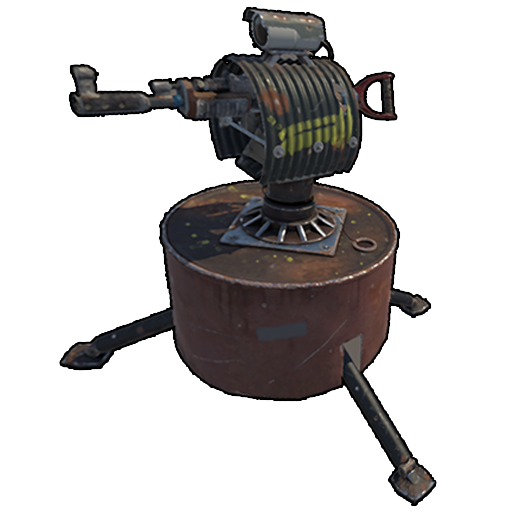 , solar
 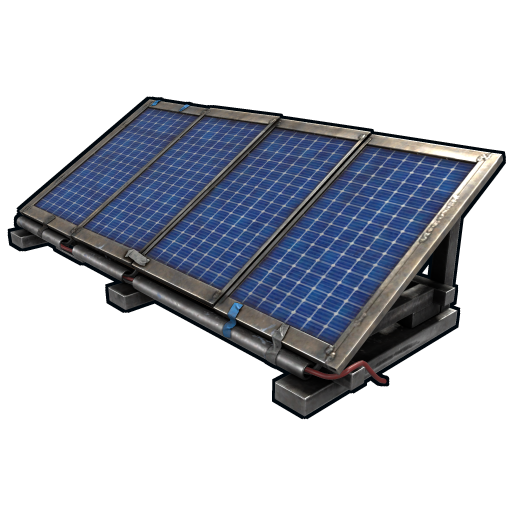 +wind during day, battery for night.
Real placement: solar panel + wind turbine on rooftop, wired down through frame to large battery in a sealed room. Branch on battery output peels 11 rW for the turret , rest available for lights/etc.
Why 11 rW not 10? Because at 10, the turret runs but its Has Target / Low Ammo / No Ammo logic outputs don't fire. With 11+, those outputs work, so you can wire them to alarms.
Building a defensive turret pod, start to finish
The auto-turret is the backbone of automated base defence, but a turret alone is just an expensive paperweight if it is wired wrong. Follow this sequence exactly and you will have a working, night-surviving pod in under ten minutes:
- Pick the pod location. Build a small 1x1 or 2x1 box on the roof or above the airlock with line-of-sight down the only approach to your loot room. The turret needs a clear firing arc, so a window slot or an open ceiling edge works better than a sealed box.
- Mount the generation. Place a solar panel flat on the roof facing south and a small wind turbine on a tall pillar above it. Wire both into the same root before the battery so daylight and gusts both contribute.
- Buffer through a battery. Run that combined output into a Large Rechargeable Battery. Never wire a turret straight to a solar panel: at night the panel drops to 0 rW and the turret disarms exactly when you need it. The battery is the buffer that carries you through darkness.
- Peel power with a Branch. From the battery output, place a Branch and set its Branch Out to 25 rW. While a turret technically arms at 10 rW, the modern reliable figure community testers use is 25 rW so that the Has Target, Low Ammo, and No Ammo logic outputs all fire cleanly. The Branch Main Out carries the remainder to the rest of your base.
- Wire the turret and authorise. Connect Branch Out to the turret Power In. Hold the turret to add yourself and teammates to the authorised list, load it with ammo, and set it to Peacekeeper or Hostile mode.
- Test at night. Watch a full day cycle. If the turret stays armed at 03:00 game time, the battery is correctly sized. If it disarms, add a second battery in parallel or a larger solar array.
| Mistake | Symptom | Fix |
|---|---|---|
| Turret wired to solar directly | Disarms every night | Insert a Large Battery as a buffer |
| Branch set to 10 rW | Turret fires but no alarm outputs | Raise Branch Out to 25 rW |
| Turret not authorised | Shoots you on entry | Add yourself to the auth list before arming |
| No firing line of sight | Turret never engages raiders | Re-mount facing the approach corridor |
Circuit 2: Multi-turret crossfire pod
Two turrets at crossing angles at your base entrance. Both armed from one circuit.
Better version using branches:
Two branches in series, no power wasted. This is why we use branches over splitters.
Circuit 3: Smart auto-turret with phone alerts
Turret powered, with Rust+ smartphone alerts when it acquires a target.
The smart alarm needs Rust+ pairing (open inventory in-game, find smart device pairing, scan QR with phone app). Once paired, the alarm pings your phone whenever the turret sees a target.
Pro tip: if your turret is positioned at a non-PvP angle (say, looking at a corridor leading to your soul stash), a Has Target signal means a raider has gotten that deep. That's the alert you want at 3am.
Circuit 4: Auto-arming turret at sunset
Turret only fires at night to save ammo against AFK trespassers.
When sun is up, solar panel sends signal to Blocker, which blocks the main power. When sun goes down, solar = 0, Blocker passes power, turret arms. Reverses at dawn.
HBHF sensor plus AND gate: power-saving turret arming
An armed turret draws power continuously, even when nothing is in range. On a power-tight base you can make the turret arm only when a stranger is actually present by gating it behind an AND gate fed by an HBHF sensor.
The Human Body Heat and Frequency sensor reads players within a short radius. Crucially, its include/exclude list lets you whitelist your own team so the sensor stays dark when friendlies walk past and only outputs power when an unauthorised body enters its cone. Wire it like this:
With both inputs required, the turret only receives its 25 rW when power is available and the sensor sees an intruder. The instant the raider leaves the cone the turret disarms, saving battery. The trade-off is a roughly half-second arm delay on first contact, which is acceptable for a perimeter pod but not for a last-ditch loot-room turret — keep those always-on.
Smart lighting: day/night circuits with the Blocker
Lights left burning through the day waste power and at night they silhouette your base for roaming raiders. A Blocker-driven day/night circuit fixes both. The Blocker completely stops power flow while it receives a signal on its control input, so you use a daytime signal to block the lights during the day.
- Place a second, dedicated solar panel as a daylight detector — it outputs power only while the sun is up.
- Wire that detector solar into the Blocker control input.
- Run your main battery power through the Blocker power path, then out to all your ceiling lights and lanterns.
- Result: during the day the detector signal blocks the path and lights stay off; at dusk the detector drops to 0 rW, the Blocker opens, and the base lights up automatically.
For an offline-only decoy version, replace the solar detector with a Timer so lights cycle on a schedule and the base looks occupied even when you are logged off.
Circuit 5: Auto-closing front door
You walk in, door closes automatically after 5 seconds.
The door controller toggles the door state. If you wire the pressure plate directly to the door controller without the timer, the door slams instantly. Timer adds the 5-second delay so you can walk through.
Circuit 6: Two-keypress airlock
A door that opens only if you press two switches in the correct order/proximity. Anti-raider trap because a raider has to guess the combination.
Both switches must be on for the door to open. If you put switches in different rooms, a raider needs to find both and flip them in sequence.
Circuit 7: Memory-cell light toggle
Press a button once to turn lights on, press again to turn them off. Classic flip-flop pattern.
The memory cell holds state. Pressing the button sends a pulse — memory cell flips. Output stays in new state until next pulse.
For "press to turn on, separate button to turn off," use a second button wired into the memory cell  's RESET input.
Circuit 8: Trap corridor with RAND switch
A corridor with 4 shotgun traps. When a raider enters, only one fires (random) — saves ammo but still hurts the raider.
The RAND switch picks one of its 4 outputs per trigger. Raider sprints through — RAND picks #2, trap 2 fires. Raider doesn't know which trap will fire next time, can't bait the corridor.
Pro tip: Shotgun traps are 100 frags  + 10 wood
  + 1 metal blade
  , Workbench 2
  . Load with handmade shells (cheap) or 12 gauge for more damage. A loaded trap deals ~80 damage per shotgun shell
  , enough to kill an under-armored raider.
Circuit 9: Base alarm system (door open detection)
Get a phone notification whenever the front door opens.
The door controller doesn't just open/close the door — it also reports the door's state. Wire that state to a smart alarm and you get pinged whenever the door is opened, including by you (so you know when teamies enter the base).
Shotgun-trap raid alarms with memory cells
A shotgun trap is passive and unpowered — it fires 12-gauge at any unauthorised player who walks past it — so it cannot directly drive a circuit. But you can pair it with a pressure plate or laser detector on the same choke point to capture the breach event, and a memory cell latches that event so the alarm stays on even after the raider moves on.
The memory cell is a one-bit store: a pulse on SET writes 1, a pulse on CLEAR writes 0, the Output passes power while the value is 1. Without it, a momentary trip would only blip the siren for a fraction of a second. With it, the breach is remembered until you manually reset it.
When a raider trips the laser, the memory cell latches, the siren screams, and your phone pings — and it all stays on until you walk over and press the reset button. That persistence is what makes the difference between noticing a raid and sleeping through it.
Base-wide panic and lockdown circuit
The lockdown circuit fans a single action out to every defensive device at once. You build it around either a manual Panic Switch by the door or an automatic trigger (a perimeter HBHF sensor or door-open detector) feeding a memory cell.
- Route the trigger output into a memory cell SET so the lockdown latches.
- From the memory cell output, run into a Branch or Splitter to fan out.
- Fan-out leg A → all Garage Door Controllers, closing every external door.
- Fan-out leg B → all Auto-Turret power inputs, arming the full defence.
- Fan-out leg C → Siren Light and Smart Alarm to alert the team and your phone.
- Fan-out leg D → a Blocker on the lighting circuit, killing interior lights so raiders lose visibility.
One flip of the panic switch — or one perimeter trip — and the entire base seals, arms, and goes dark. A second reset button on the memory cell CLEAR returns everything to normal once the threat passes.
Circuit 10: Counter-based ammo low alert
Counts turret shots fired. When count reaches a threshold, alarm fires meaning the turret needs reloading.
Each "Has Target" pulse increments the counter. After 50 acquisitions, the counter outputs, the memory cell latches on, the alarm fires (and stays firing until you reset the counter on the next base visit).
50 is a placeholder — set higher or lower based on how aggressive your turret is. Turrets at remote outposts that rarely see targets, set to 5; turrets at the front door that fire at every stray boar, set to 100.
Circuit 11: Auto-lock at logout
Your base auto-locks the front door when no one's home. Uses smart switch 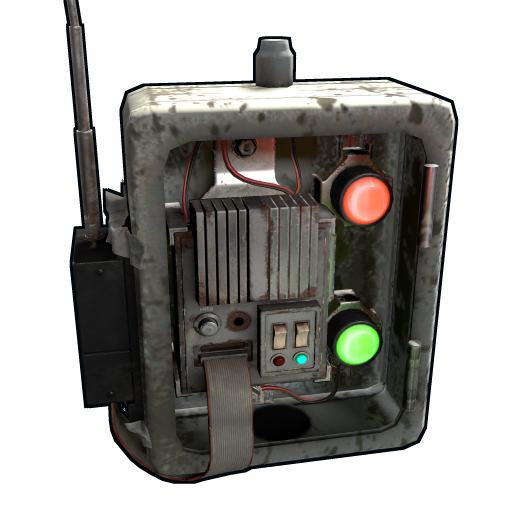 + Rust+ to detect player presence.
Manually flip the smart switch via Rust+ from your phone before logout. Or wire it more elaborately to a pressure plate inside the base — if no one's stepped on the plate for 10 minutes, switch flips, door locks. (Use a timer 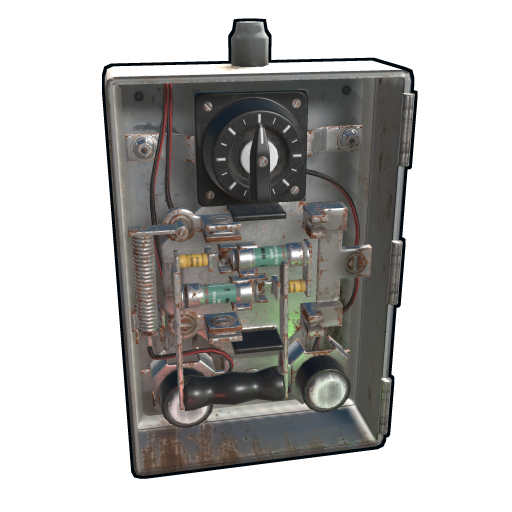 -based reset for the no-presence detection.)
Circuit 12: Greenhouse sprinkler timer
Sprinklers run for 30 seconds every 10 minutes to keep planters watered without flooding.
The timer's behavior: when triggered, outputs power for its set duration, then waits for next trigger. To make it pulse periodically, you wire its output back to its own input through a brief delay.
Alternatively use a memory cell + timer combo:
Honestly, get this off rustrician.io rather than rebuilding from text.
Circuit 13: Decoy lights for offline base
External lights that pulse at random intervals to suggest someone's home.
Every minute, a random group of lights turns on (or none). From outside, looks like someone moving around inside. Doesn't fool a real raider but might dissuade a casual.
Circuit 14: Boom-trap pressure plate
Hidden pressure plate behind a wall, wired to satchel charge 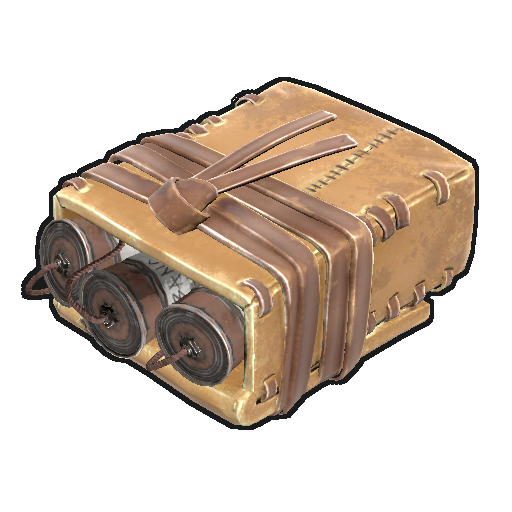 or to a triggerable explosive. Mean.
Honest note: there isn't a simple "boom signal" output in Rust electricity. Boom traps usually mean wiring the plate to open a door that has explosives behind it and the explosives are triggered by player proximity rather than power signal. A more practical pattern: pressure plate → many shotgun traps in a small room (the player walks in, all traps fire at once).
Circuit 15: Industrial network alarm
Combine all your industrial conveyors 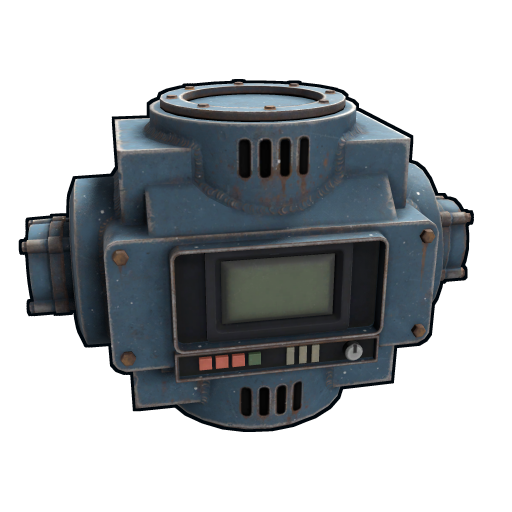 ' Filter Fail outputs into a single alarm. Tells you when items you didn't filter for are passing through.
Useful in established industrial setups when you start getting strange loot you forgot to write a filter for.
Layout principles for circuit rooms
A dedicated "electrical room" in your base helps you wire and maintain. Recommended:
- Solid wall facing inward (your storage/loot side) and one wall with switch panels facing you
- 2x2 minimum floor space — leaves room to walk between batteries and components
- Branch
 components clustered near the battery output
 - Logic components (gates, memory, timers ) clustered near the switches/inputs
- Color/sign labels on every switch so you don't forget which is which
Sticky note discipline: write what each switch does on a sign next to it. You're going to forget by hour 30.
Timer and counter automation explained
Two logic components handle the bulk of scheduled and tallying automation:
- Timer — behaves like a switch that turns itself off after a set duration, configurable from 1 second up to 1,000,000,000 seconds. Use it for greenhouse sprinkler pulses, decoy-light cycles, or as a delay element so a door auto-closes a few seconds after opening. Chain a timer back into its own toggle input for a repeating on/off oscillator.
- Counter — tallies the pulses it receives and can be set to pass power through only once a target count is reached. It also displays flowing power as a readout. Wire a counter to a turret No-Ammo output to count engagements, or use the target-count mode to trigger an event after, say, the tenth door open.
Rust+ smart alarm integration
The Smart Alarm and Smart Switch connect your in-game circuits to the Rust+ companion app on your phone. The Smart Alarm sends a push notification the moment it receives power, so wiring it as a fan-out leg of any raid-alarm or lockdown circuit means you get pinged in real time even while logged off. The Smart Switch works the reverse direction — you can toggle it from the app to remotely arm turrets, open doors, or kill decoy lights. Pair both to a base alarm circuit and you effectively have a remote security console in your pocket; the roughly 75-scrap cost pays for itself the first time it warns you of an offline raid.
How to read the circuit diagrams in this guide
Every diagram and code block here uses the same conventions: a name in [brackets] is a placed device, an arrow → means a wire runs from the output of the left device into the input of the right, (rW) is the wire-set power amount, and indented branches show parallel legs peeling off one node. Read left-to-right, top-to-bottom, the same direction power flows. When in doubt, rebuild the diagram in rustrician.io — the free simulator uses Rust\'s exact power math and shows you the rW at every node.
Common automation mistakes to avoid
- Powering turrets straight from solar. They disarm every night. Always buffer through a battery.
- Splitters where branches belong. Splitters divide power into three equal legs and waste any unused leg. Branches peel an exact amount and pass the rest on — use branches in series.
- Both SET and CLEAR on one pulse. A memory cell wired this way fights itself and never latches cleanly. Keep the reset on a separate switch.
- Constant-on triggers into RAND or counters. These components expect pulses. A continuous switch makes RAND repeat one output and counters mis-tally. Use pressure plates or detectors for clean pulses.
- Forgetting authorisation. An unauthorised turret will gun you down at your own door. Auth first, arm second.
Common debugging
- Component shows "no power": trace from source. Most often a branch is set wrong or a wire's invalid (red).
- Memory cell won't toggle: verify SET and RESET aren't both wired to the same pulse source. RESET should be a separate switch.
- AND gate doesn't fire: check both inputs are actually delivering power. One disconnected input = AND output stays 0.
- Timer outputs erratically: check the timer 's duration setting. UI is fiddly; reset and re-enter.
- RAND only fires one output: RAND is supposed to pick randomly each trigger. If you always see the same output, your trigger is probably outputting continuously rather than pulsing. Use a pressure plate (pulse) not a constant-on switch.
Pro tips on automation in general
- Build circuits in rustrician.io first. Free browser tool, accurate Rust math, lets you debug logic before placing components in-game. Single most valuable tool for electrical/industrial.
- One large battery, not many small ones. Centralizing your storage in one big battery simplifies routing and lowers cost per rWm.
- Smart components pay for themselves. A smart alarm
 wired to a base alarm circuit means you can be at work and know your base is being raided. That alone is worth the 75 scrap
  .
. - Don't over-engineer. A solo base needs maybe 3 circuits total: turret pod, lights, smart alarm . Adding 12 circuits means 12 things that can fail. Keep it simple.
- Test on twig. Build the circuit on twig walls first to validate, then upgrade to stone
 /sheet once it's working. Re-wiring after upgrade can be a pain but cheap to redo on twig.